Category: badmintho

Every badmintho release and write-up in one place — match scoring, jump tracking, drills and Apple Health, for iPhone and Apple Watch.

  • Why badmintho’s umpire marks the rally and leaves the score to the players

    badmintho 26.3 lets a second phone at the side of the court say why each rally ended: a winner, an unforced error or a service fault. It is one small bar with three buttons, and almost every rule behind it is a decision about what that phone should be allowed to do. These are the ones worth explaining.

    How it works

    One phone keeps the score. Someone watching — a teammate sitting out, a coach, a parent — joins the match on their own phone over Bluetooth: the scoring phone taps Host Game, the watcher taps Join a Game. The watcher then opens the full-screen scoreboard, and after each rally a line appears above three buttons, naming the rally they are about to mark: Last rally: Blue 7.

    The scoreboard is an ordinary screen, big numbers and landscape-first, so the iPhone’s own Screen Mirroring can put it on a TV in the hall with no extra setup.

    The umpire annotates; the players keep the score

    The scoreboard has no score buttons and no way to end the match. A mark made there travels to the scoring phone as a request, and the scoring phone writes it into its own record. One device holds the score because a second device that could change it is the only version of this feature that could spoil a match, rather than simply miss a rally. So the watcher can mark as many rallies or as few as they like, and the score stays exactly as the players kept it.

    Three buttons, in plain English

    • Winner — a shot the other side could not reach or return. It belongs to the side that won the rally.
    • Unforced error — a mistake made under no pressure, such as a shot into the net or out of court. It belongs to the side that lost the rally.
    • Service fault — an illegal or failed serve. It also belongs to the side that lost the rally, and it has a button of its own so you can see whether a side is giving away points on the serve or during play.

    If the scoring itself needs a refresher, badminton’s scoring rules are written out on badmintho.com.

    Credit follows the player, not the point

    Badminton uses rally-point scoring, so every rally gives someone a point. That makes the bookkeeping easy to get backwards: an unforced error on a rally Blue won is Red’s error. badmintho works this out once, in one place, from which side scored and which button was tapped. The watcher only has to say what happened; the app decides whose it was. A breakdown that blamed the wrong player would look authoritative and be wrong, which is worse than having no breakdown at all.

    A rally is named by its score, not by the time of the tap

    A watcher taps a second or two after the rally ends, on a phone with its own clock. A timestamp would land near the rally rather than on it. So each mark is attached to the rally itself — which game, which side won it, and that side’s new score — and that gives three useful behaviours:

    • Change your mind by tapping again. Each rally holds one mark, and the last tap wins.
    • Score corrections tidy up after themselves. If the players take a point back, the mark for the rally that no longer exists goes with it, instead of staying behind to describe the wrong rally.
    • Games stay separate. 5–3 in the second game is a different rally from 5–3 in the first, so a best-of-three keeps every game’s marks apart.

    What the breakdown shows

    After the match, its details in History gain a Rally breakdown card: winners, unforced errors and service faults for each side, under the players’ names when the match had a line-up. A watcher marks the rallies they catch, not necessarily all of them, so the card shows plain counts and says underneath that they are not match totals. There are no percentages, because a percentage needs a total nobody measured. A match nobody watched simply has no card.

    Where it is kept

    The two phones talk to each other over Bluetooth. The marks are saved with the match’s workout in Apple Health, beside the score of each rally, so the breakdown lives with the rest of your match history. Umpiring needs no account. The badmintho privacy policy covers what the app stores and where.

    What you need

    • Two iPhones with badmintho 26.3 or later, on iOS 18 or later. The scoring phone tells the watcher’s phone that it accepts marks, and that is when the three buttons appear.
    • Marking rallies is free, on both phones, and the marks are saved with every match. The Rally breakdown card sits in a match’s details, which come with badmintho Pro alongside the other per-match cards and charts, so any match you marked shows its breakdown when you open it in Pro. Current prices are on the App Store listing.

    More

  • A live scoreboard that forgets the match

    badmintho 26.11 can share a match as it happens. From the score screen, send a link or show a QR code, and anyone who opens it follows the score in a browser on a TV, a laptop or a phone, with nothing to install and no account. It is the first time badmintho sends a match’s score to a server of ours, so these are the decisions we made about what goes there and how long it stays.

    What a viewer sees

    Both scores, the games won and who is serving, updated point by point while the match is played. When the match ends, the board shows the final score and then goes away.

    Names stay off until you choose them

    Anyone with the link can see the board, and the players on it did not all choose to be watched. So every time you start a board, badmintho asks first, and the players’ names start switched off: the board shows Blue and Red. You turn names on when the people on court are happy to be named.

    No database, only a timer

    A board is never written to a database. It lives in memory on our server, and its lifetime is a timer set on the board itself:

    • 10 minutes after the match ends, the board is deleted.
    • 15 minutes without a new score, it is deleted too, so a match abandoned halfway does not linger.
    • 6 hours after it was created, it is deleted whatever happens.

    When the timer runs out, the score, the names and the board’s code are gone. Our server logs name a board’s code and whether a request worked, never a score or a name.

    Only your phone can change it

    When a board starts, our server gives your phone a secret that only your phone holds, in memory, and keeps only a fingerprint of it. Every new score has to carry that secret, so a viewer with the link can watch but cannot change the score. The board’s code is eight characters, and trying codes at random is slowed down quickly.

    Free, and only when you start it

    The live scoreboard is free. Nothing is shared until you start a board, and you can stop it at any time from the score screen. Everything else about a match stays where it always was: on your device and in your own Apple Health.

    More

  • Your badminton matches, saved in your own Apple Health

    Your badminton matches, saved in your own Apple Health

    badmintho keeps no match database of its own. Every match you play is saved as a badminton workout in your Apple Health, and badmintho reads it back from there when you open History. This is what that workout holds, and why we built it that way rather than keeping a copy of our own.

    What one match holds

    • The workout. A badminton workout from the first serve to the end of the match, with each game inside it. When your Apple Watch records the match, the workout also carries the heart rate, energy and distance it measured.
    • Every point. Each point is saved as a marker at the moment it was scored, with the side that scored it and their new score.
    • The players. The names on each side, and which side was yours when you have picked your colour.
    • Umpire marks. If someone marked the rallies from a second phone, each winner, unforced error or service fault is saved beside the score of the rally it describes.
    • The court. If you switch on court tagging, the name and location of the court you played at.

    badmintho writes two kinds of data to Health: workouts, and water if you log a drink from the watch during a match. Everything else it asks for, it only reads.

    Why every point carries its moment

    Saving the final score would have been enough to show who won. We saved every point with its time instead, because the score of a match is a sequence, and the sequence is where the useful questions are: when did the game turn, and how long were the rallies?

    That decision paid off in badmintho 26.4. Its match details show each side’s longest scoring run, such as six points in a row from 8–11, and the typical rally length. Both are worked out from the markers a match already carries, so they appear for matches you played before 26.4 existed, not just for the ones after it. The match details come with badmintho Pro; the markers are saved with every match either way.

    Without a watch, nothing is made up

    If you keep score on the iPhone alone, the phone saves the match as a workout too: its time, the players and every point. What it does not save is heart rate, energy or distance, because the phone did not measure them. We could have estimated them. We chose an honest record of what happened over a figure that looks complete and is invented.

    With a watch, one match is one workout

    When the Apple Watch is recording the match, the phone steps aside. Two workouts covering the same time would count the match twice in your Activity rings, and Health does not merge them. So the phone saves only the part the watch did not cover, or nothing at all when the watch had the whole match, and the two parts add up correctly.

    Where the court is, not where you were

    Court tagging is off until you switch it on. When it is on, badmintho checks your position as you set up a match, only to suggest the nearest court you have saved. What goes into Health is that court’s name and its coordinates: the venue’s location, never your own. You can change or clear the suggestion before the match starts.

    Your matches stay yours

    Because the record lives in Health, it sits with the rest of your health data, under the permissions you set there. It does not depend on badmintho to exist:

    • Delete a match in Health and it is gone from badmintho’s History too, without restarting the app.
    • Stop using badmintho and the workouts stay in Health, with their time, heart rate and energy.
    • Withdraw access at any time in Settings › Health › Data Access & Devices.

    On the device, badmintho keeps your settings, your saved players and courts, and a cache of match details so History opens quickly. red8.io runs no server that receives your matches, and there is no account to create.

    What badmintho asks Health for

    The permission sheet lists only what the app actually uses on that device. On the iPhone it asks to read workouts, heart rate, resting heart rate, heart-rate variability and one-minute heart-rate recovery, active and resting energy, walking and running distance, steps and physical effort. The watch asks for the figures it records during a match, plus your water total for today and your date of birth, which sets the heart-rate zones. The badmintho privacy policy describes the rest, including the two things that can leave the app, and only if you switch them on.

    More

  • badmintho – 2.4.0 sharing is caring

    badmintho – 2.4.0 sharing is caring

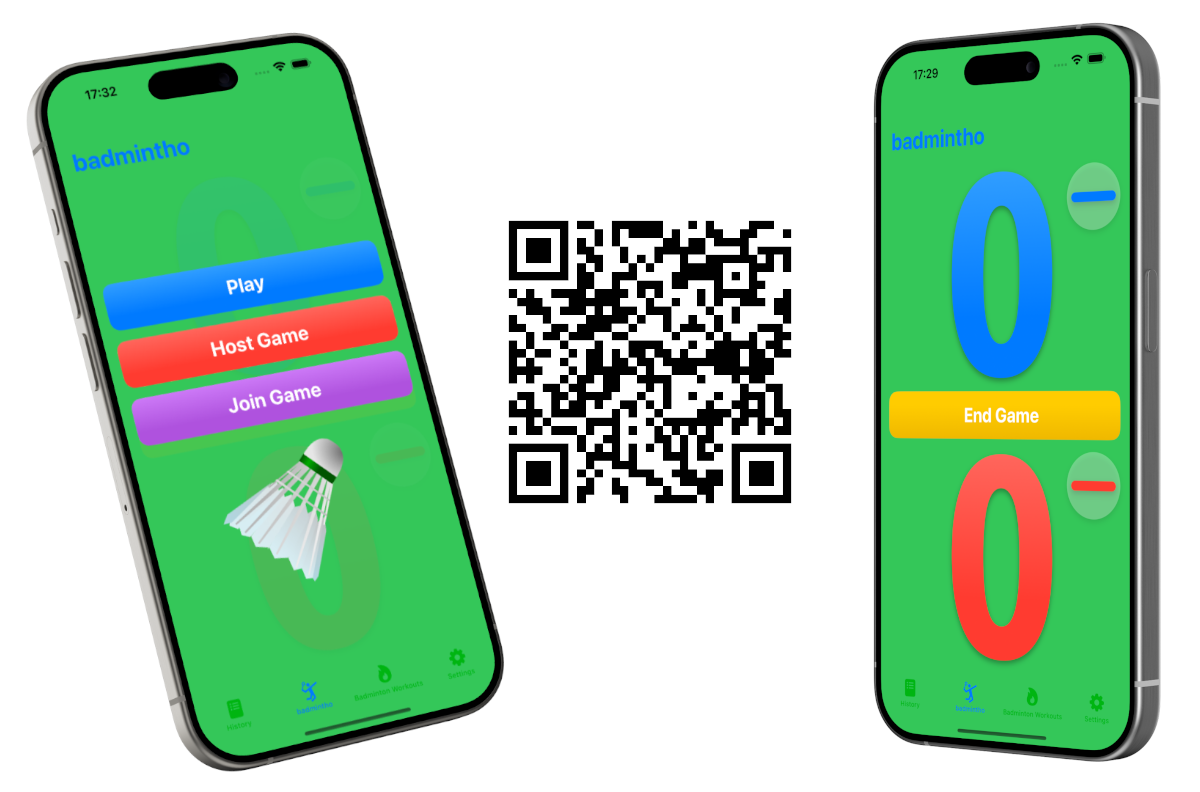
    🏸 badmintho multiplayer is here.

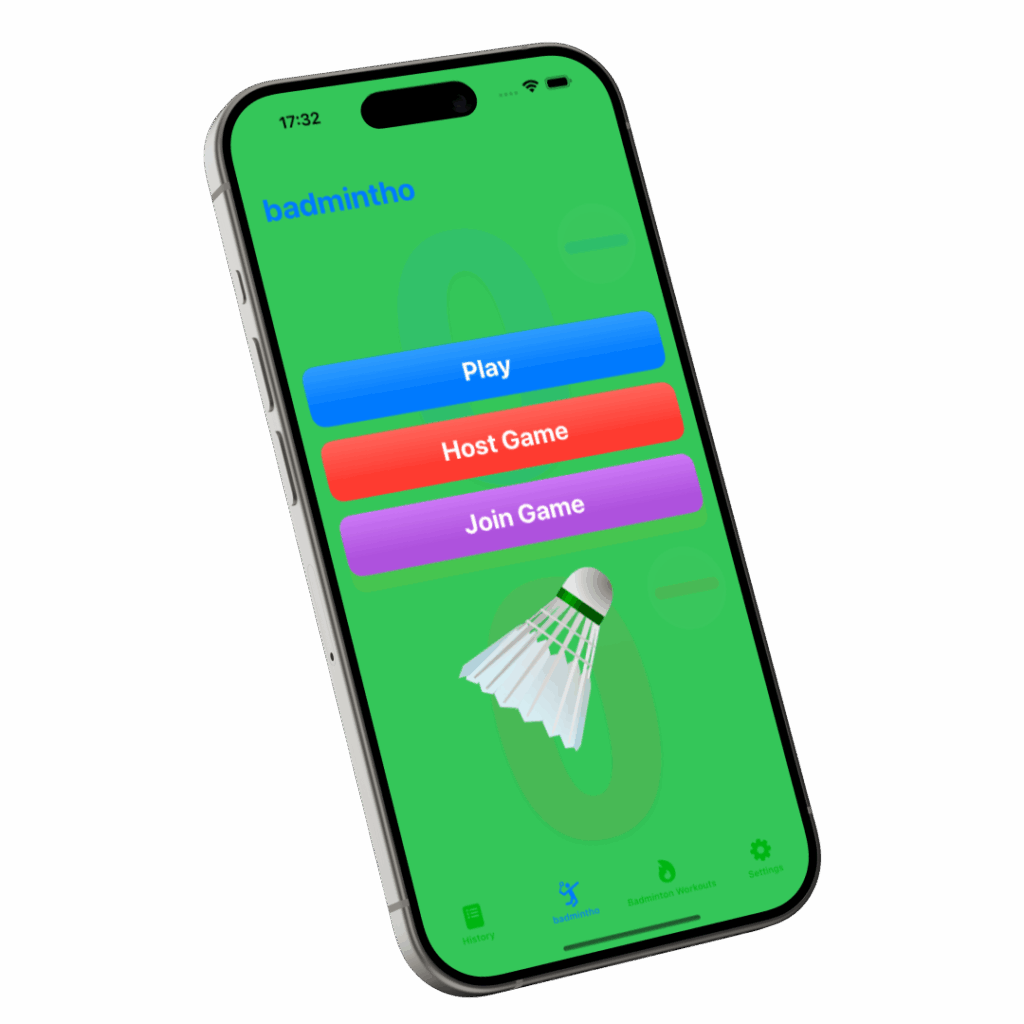
    badmintho now supports hosting a game that your friends can join and share control of the score.

    An iPhone tilted at an angle showing badmintho's green home screen with three buttons, Play, Host Game and Join Game, above a white shuttlecock

    iPhone, iPad and macOS

    • NEW: multiplayer games in BETA

    iPhone

    • NEW: screen rotation.

    iPad

    • NEW: screen rotation.

    Apple Watch

    • CHANGED: buttons design improvements.

    Download now

    badmintho qr code app store
  • badmintho – 2.3.0 Match mode activated

    badmintho – 2.3.0 Match mode activated

    🏸 Game on, badmintho now can track your games into matches so you can check your performance later on the phone.

    badmintho matches screen

    Apple Watch

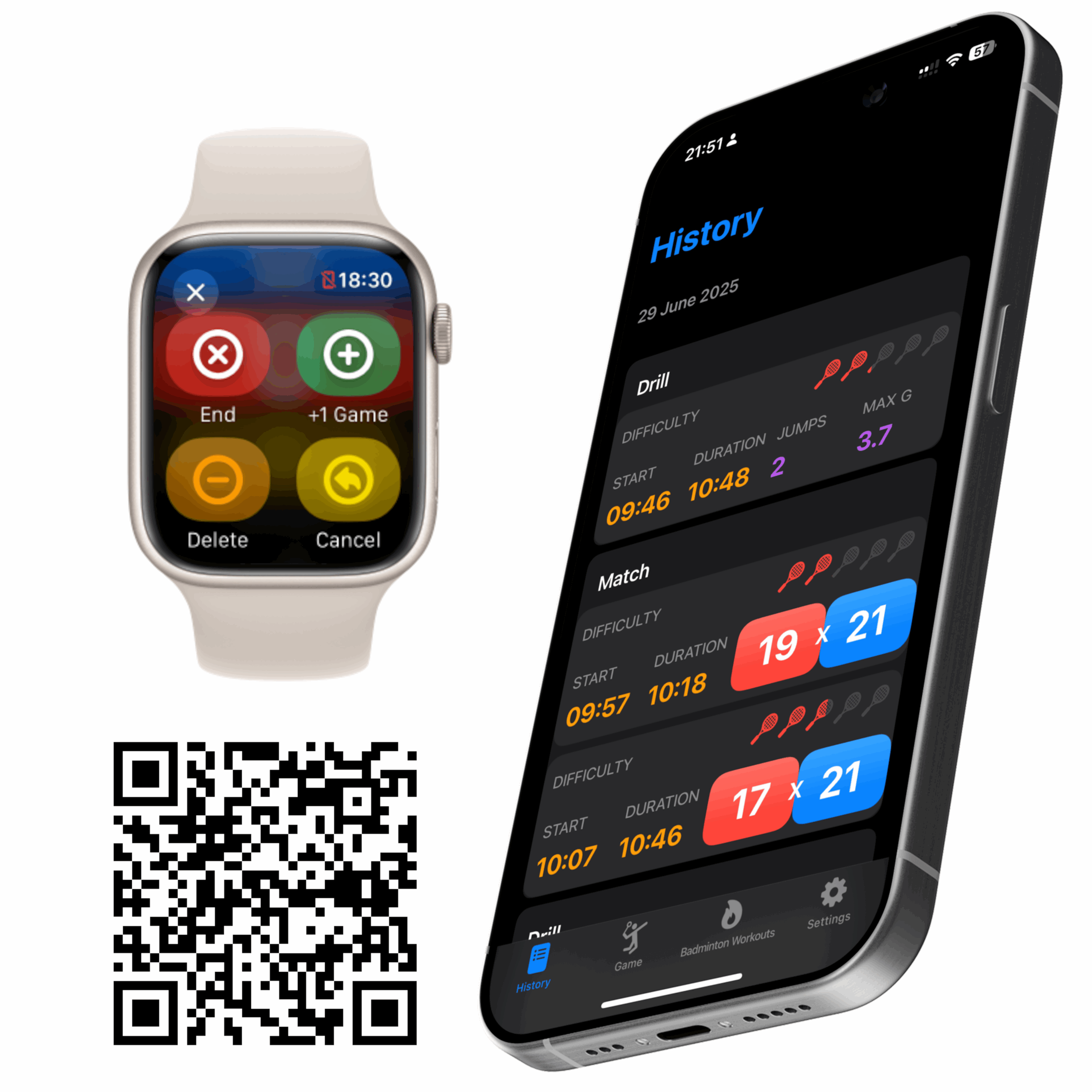
    – NEW: Group games into matches.

    – NEW: Delete games.

    – CHANGED: Design and options to end game.

    iPhone and iPad

    – CHANGED: History view to display matches.

    Download now

  • badmintho – 2.2.1 auto pause and resume

    badmintho – 2.2.1 auto pause and resume

    🚀 What if your workout app could hit pause for you? 🤯

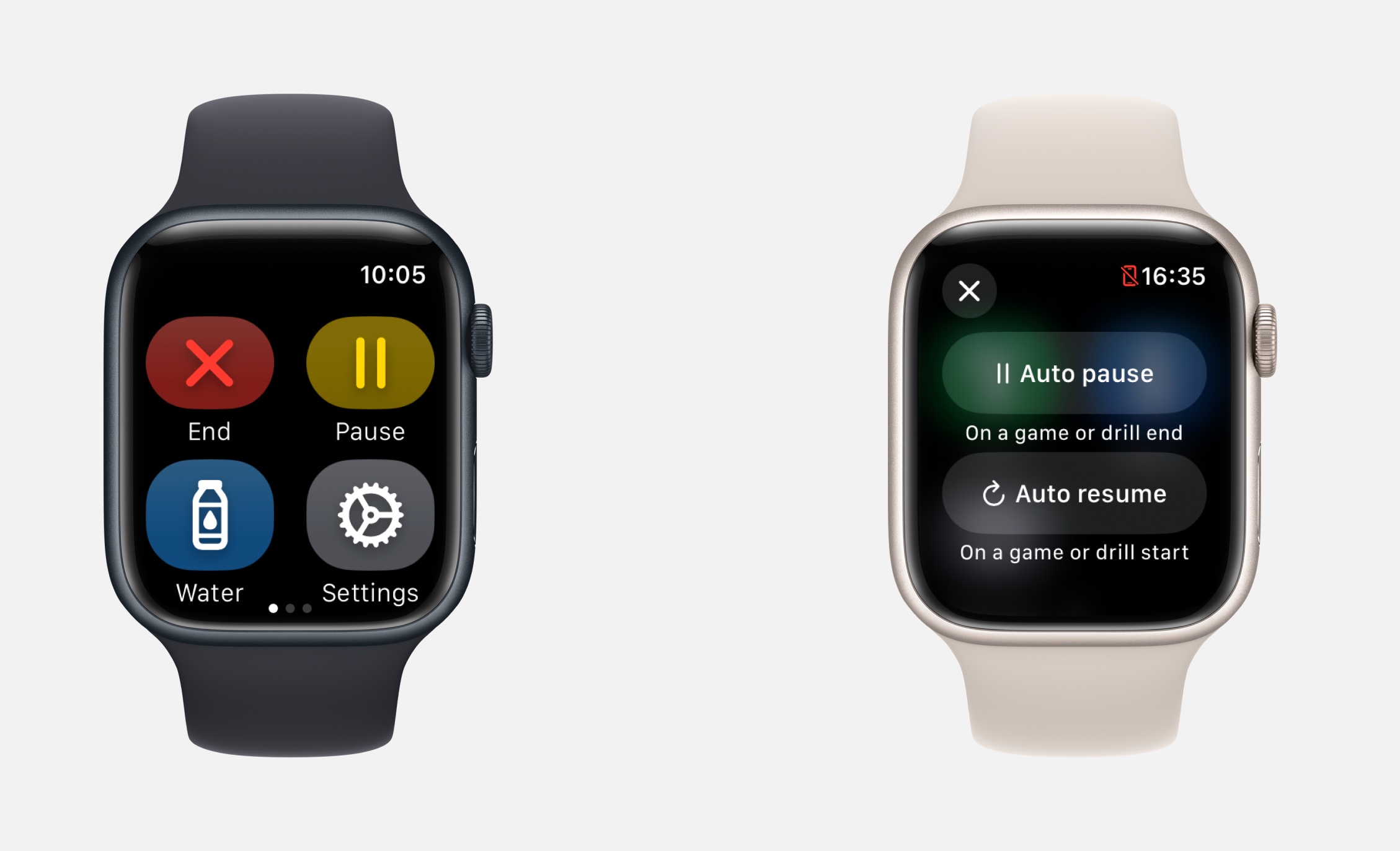
    When you start or end your games or drills the workout will automatically pause and resume.

    This behaviour can be disabled in the new settings page 🙂

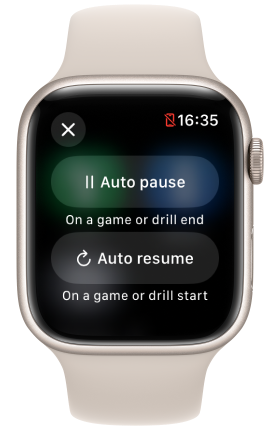
    badmintho's Apple Watch settings with two toggles: Auto pause on a game or drill end, and Auto resume on a game or drill start

    Apple Watch

    • FIX: some users were experiencing issues to start a game on Apple Watch 5
    • NEW: Automatic pause and resume workout when games and drills start and end

    iPhone

    • FIX: sometime the app would not find the subscription if not connected to the internet for longer than a week

    Download now

    badmintho qr code app store
  • badmintho – 2.1.0 take a break

    badmintho – 2.1.0 take a break

    We were so excited to launch badmintho that we forgot to take a break.

    Introducing the revolutionary pause button 😄

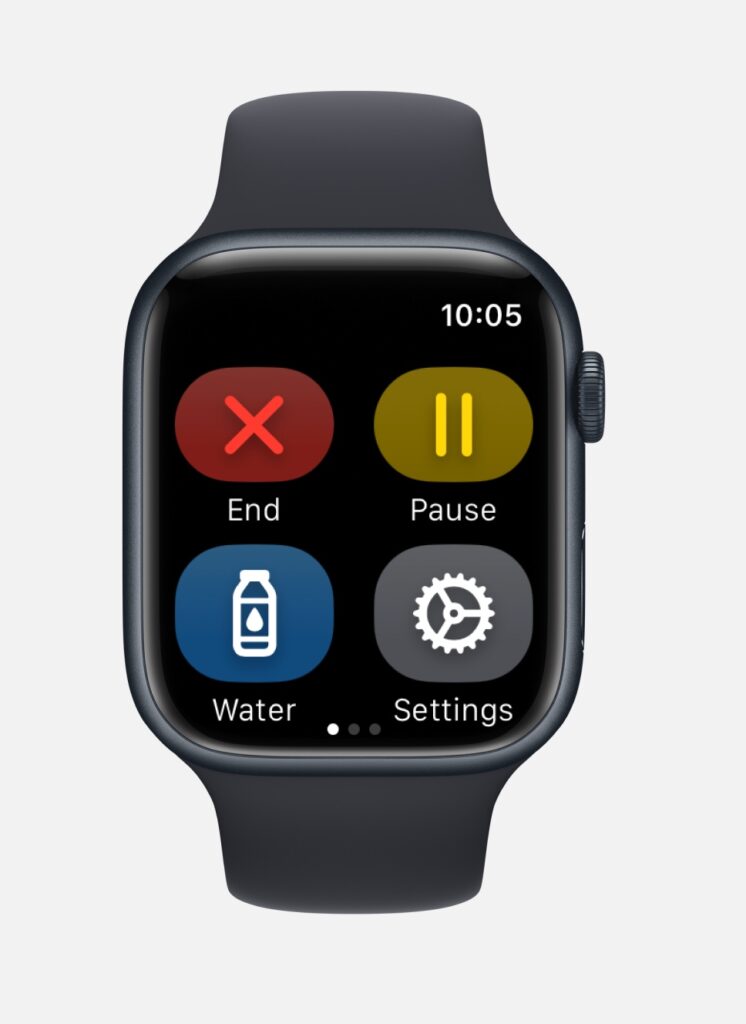
    An Apple Watch showing badmintho's workout controls: End, Pause, Water and Settings buttons

    Apple Watch

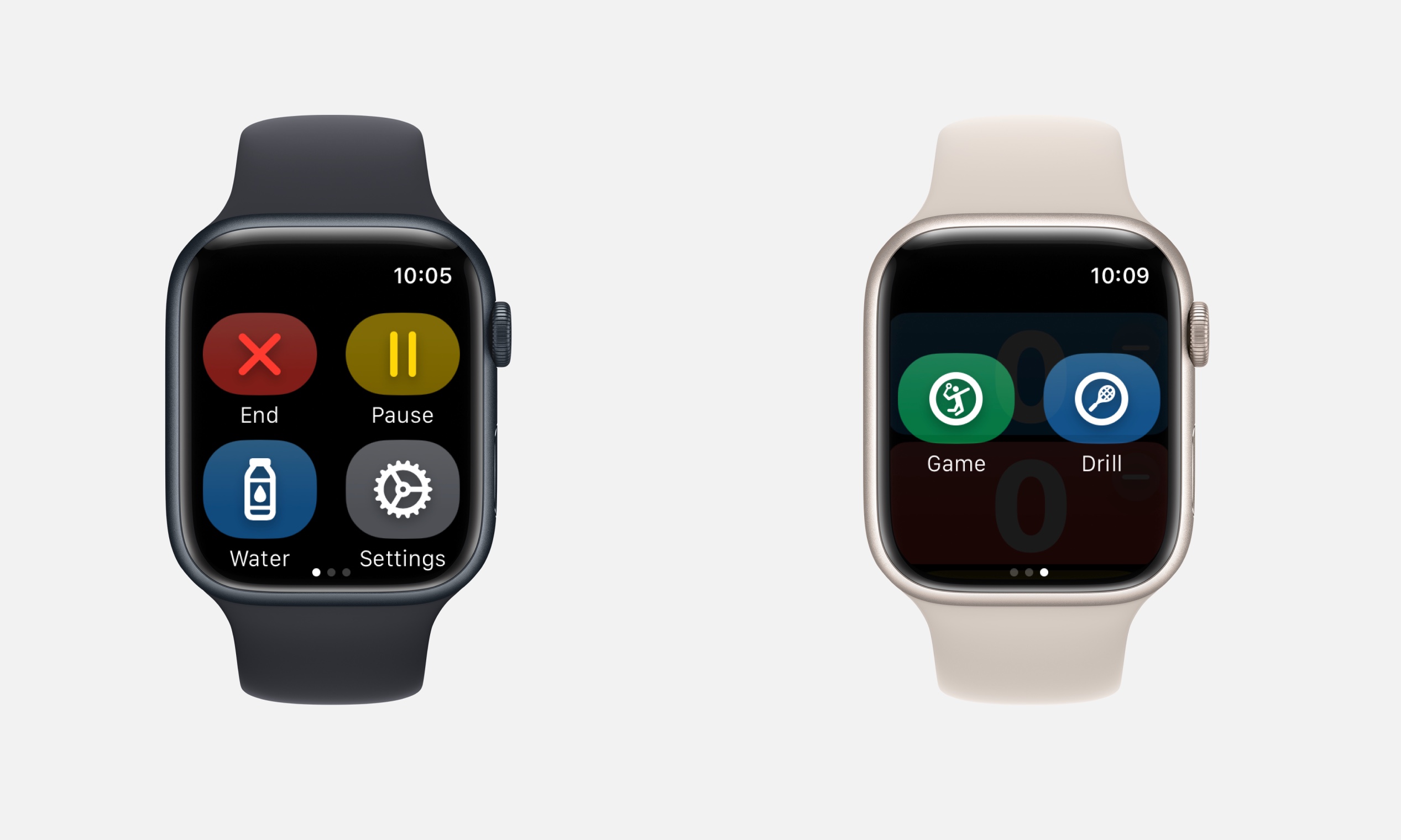
    – NEW: Added the pause and resume buttons to the workout

    – CHANGED: Changed the design of the buttons to make better use of space and allow for more functions to be added in the future.

    – FIXED: Under the hood fixes to improve performance.

    – REMOVED: Auto cool down has been removed.

    Download now

    badmintho qr code app store
  • badmintho – 2.0.2 game details fixes

    badmintho – 2.0.2 game details fixes

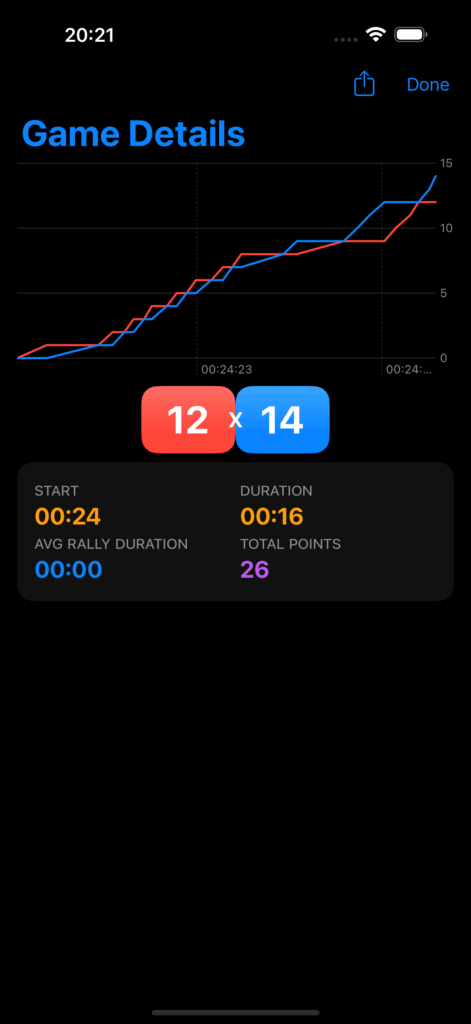
    badmintho's Game Details screen in dark mode: a line chart of both sides' scores over the game, a final score of 12 to 14, and start time, duration, average rally duration and total points

    iPhone and iPad

    – FIXED: an issue that would sometimes display a -1 x -1 score.

    – FIXED: missing background from the shared game details.

    Photo by Elaine Casap on Unsplash

  • badmintho – 2.0.1 save game as drill

    badmintho – 2.0.1 save game as drill

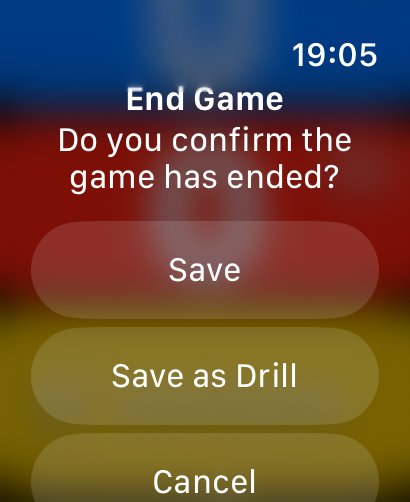
    badmintho on Apple Watch asking "End Game: Do you confirm the game has ended?" with Save, Save as Drill and Cancel buttons

    iPhone

    – FIXED: game details sharing.

    – FIXED: view title when displaying a Drill now shows: Drill Details.

    Apple Watch

    – NEW: added “Save as Drill” when a Game is started by mistake to track a Drill

    All

    – CHANGE: started background changes to add players’ names to games.

    Photo by Marquise de Photographie on Unsplash

  • badmintho – 2.0.0 sharing and ratings

    badmintho – 2.0.0 sharing and ratings

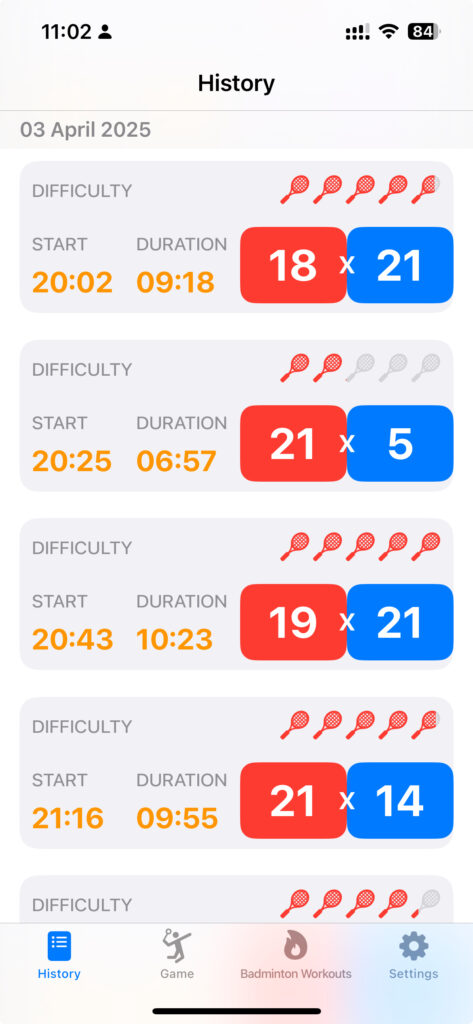
    badmintho's History on iPhone for 3 April 2025: a list of games, each with a difficulty rating in rackets, start time, duration and final score, such as 18 to 21 and 21 to 5

    iPhone

    – NEW: Added game results sharing.

    iPhone and iPad:

    – NEW: Added a game/drill rating based on the difficulty of the activity.

    – CHANGE: Reorganised the game and workout stats.

    – CHANGE: Some under the hood improvements for visual consistency.

    Apple Watch

    – CHANGE: New button visual while the workout is being saved after being stopped to indicate the save is in progress.

    Photo by 8 verthing on Unsplash