Tag: apple watch

  • Your badminton matches, saved in your own Apple Health

    Your badminton matches, saved in your own Apple Health

    badmintho keeps no match database of its own. Every match you play is saved as a badminton workout in your Apple Health, and badmintho reads it back from there when you open History. This is what that workout holds, and why we built it that way rather than keeping a copy of our own.

    What one match holds

    • The workout. A badminton workout from the first serve to the end of the match, with each game inside it. When your Apple Watch records the match, the workout also carries the heart rate, energy and distance it measured.
    • Every point. Each point is saved as a marker at the moment it was scored, with the side that scored it and their new score.
    • The players. The names on each side, and which side was yours when you have picked your colour.
    • Umpire marks. If someone marked the rallies from a second phone, each winner, unforced error or service fault is saved beside the score of the rally it describes.
    • The court. If you switch on court tagging, the name and location of the court you played at.

    badmintho writes two kinds of data to Health: workouts, and water if you log a drink from the watch during a match. Everything else it asks for, it only reads.

    Why every point carries its moment

    Saving the final score would have been enough to show who won. We saved every point with its time instead, because the score of a match is a sequence, and the sequence is where the useful questions are: when did the game turn, and how long were the rallies?

    That decision paid off in badmintho 26.4. Its match details show each side’s longest scoring run, such as six points in a row from 8–11, and the typical rally length. Both are worked out from the markers a match already carries, so they appear for matches you played before 26.4 existed, not just for the ones after it. The match details come with badmintho Pro; the markers are saved with every match either way.

    Without a watch, nothing is made up

    If you keep score on the iPhone alone, the phone saves the match as a workout too: its time, the players and every point. What it does not save is heart rate, energy or distance, because the phone did not measure them. We could have estimated them. We chose an honest record of what happened over a figure that looks complete and is invented.

    With a watch, one match is one workout

    When the Apple Watch is recording the match, the phone steps aside. Two workouts covering the same time would count the match twice in your Activity rings, and Health does not merge them. So the phone saves only the part the watch did not cover, or nothing at all when the watch had the whole match, and the two parts add up correctly.

    Where the court is, not where you were

    Court tagging is off until you switch it on. When it is on, badmintho checks your position as you set up a match, only to suggest the nearest court you have saved. What goes into Health is that court’s name and its coordinates: the venue’s location, never your own. You can change or clear the suggestion before the match starts.

    Your matches stay yours

    Because the record lives in Health, it sits with the rest of your health data, under the permissions you set there. It does not depend on badmintho to exist:

    • Delete a match in Health and it is gone from badmintho’s History too, without restarting the app.
    • Stop using badmintho and the workouts stay in Health, with their time, heart rate and energy.
    • Withdraw access at any time in Settings › Health › Data Access & Devices.

    On the device, badmintho keeps your settings, your saved players and courts, and a cache of match details so History opens quickly. red8.io runs no server that receives your matches, and there is no account to create.

    What badmintho asks Health for

    The permission sheet lists only what the app actually uses on that device. On the iPhone it asks to read workouts, heart rate, resting heart rate, heart-rate variability and one-minute heart-rate recovery, active and resting energy, walking and running distance, steps and physical effort. The watch asks for the figures it records during a match, plus your water total for today and your date of birth, which sets the heart-rate zones. The badmintho privacy policy describes the rest, including the two things that can leave the app, and only if you switch them on.

    More

  • badmintho – 2.4.0 sharing is caring

    badmintho – 2.4.0 sharing is caring

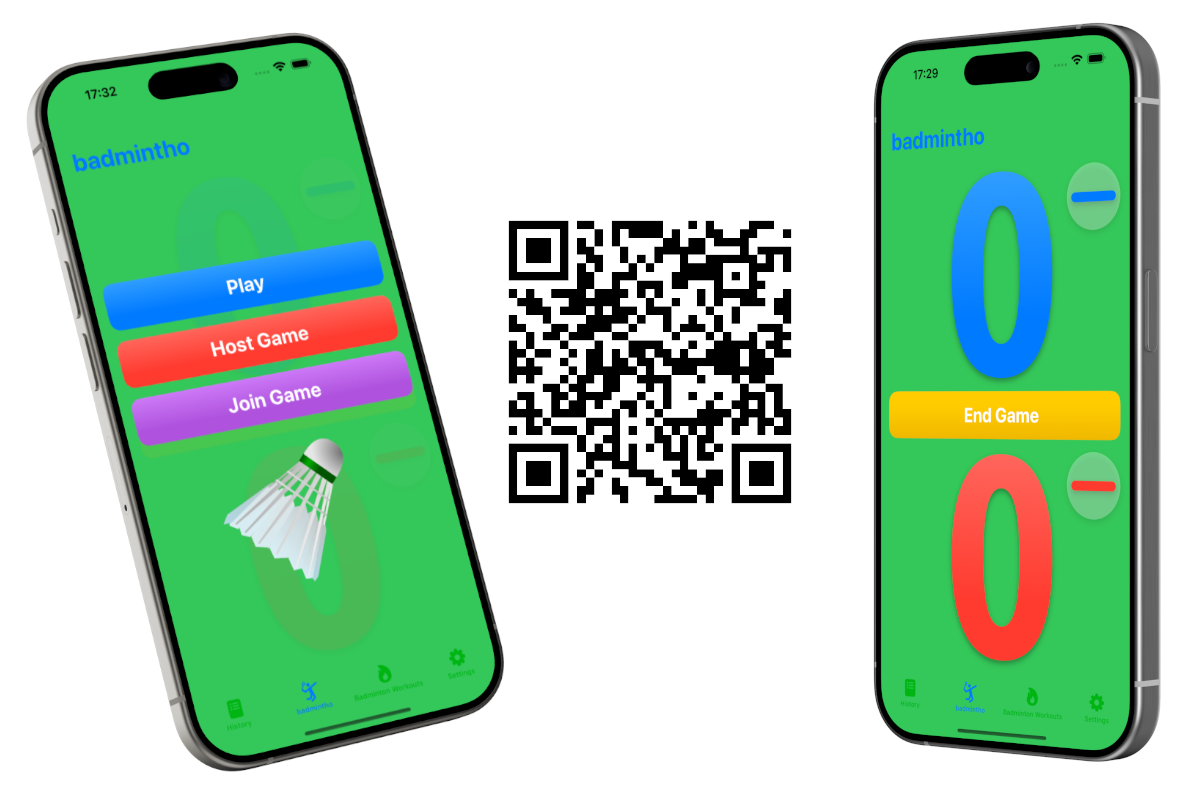
    🏸 badmintho multiplayer is here.

    badmintho now supports hosting a game that your friends can join and share control of the score.

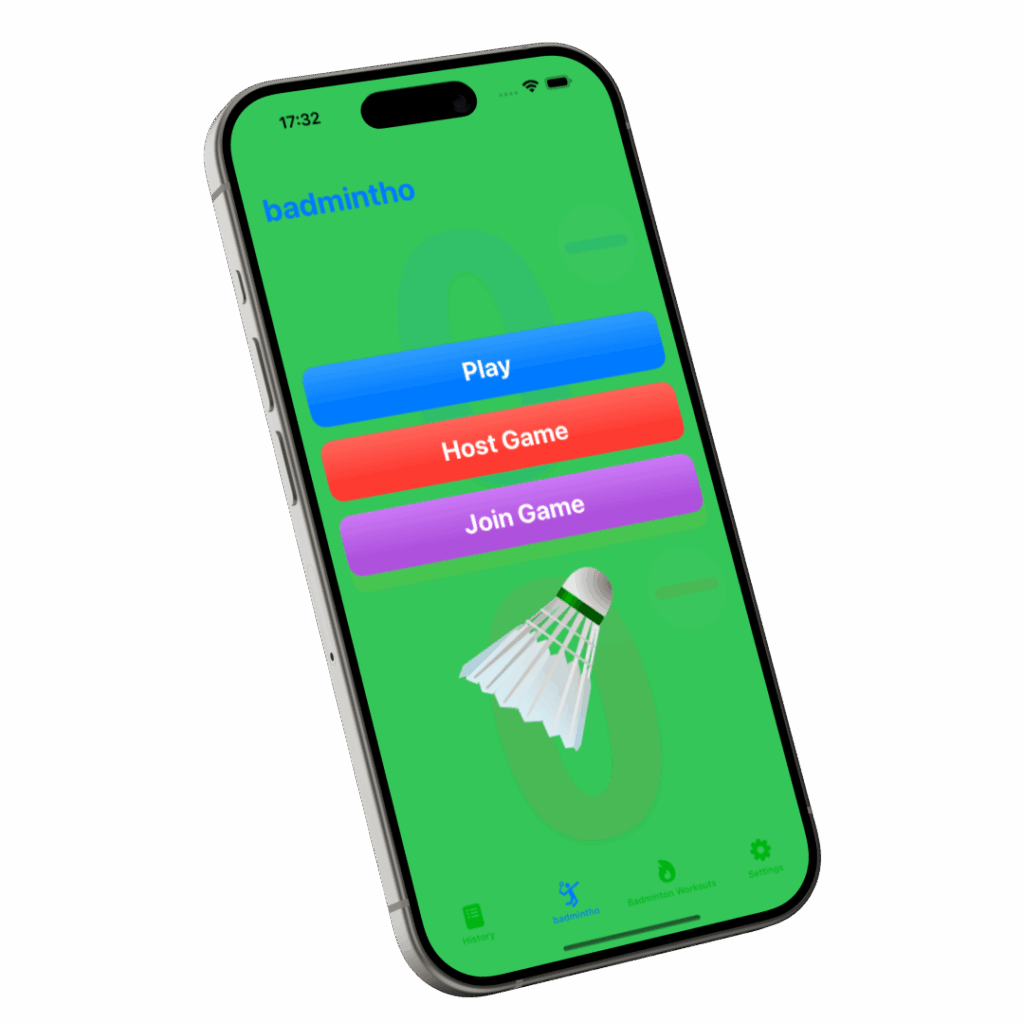
    An iPhone tilted at an angle showing badmintho's green home screen with three buttons, Play, Host Game and Join Game, above a white shuttlecock

    iPhone, iPad and macOS

    • NEW: multiplayer games in BETA

    iPhone

    • NEW: screen rotation.

    iPad

    • NEW: screen rotation.

    Apple Watch

    • CHANGED: buttons design improvements.

    Download now

    badmintho qr code app store
  • slotho – 2.4.0 workout notes

    slotho – 2.4.0 workout notes

    🏋 After seeing the sad look on our trainer’s eyes 🥺 we decided to cheat.

    Introducing, workout notes 📒, your cheat sheet on your wrist, never disappoint your trainer ever again.

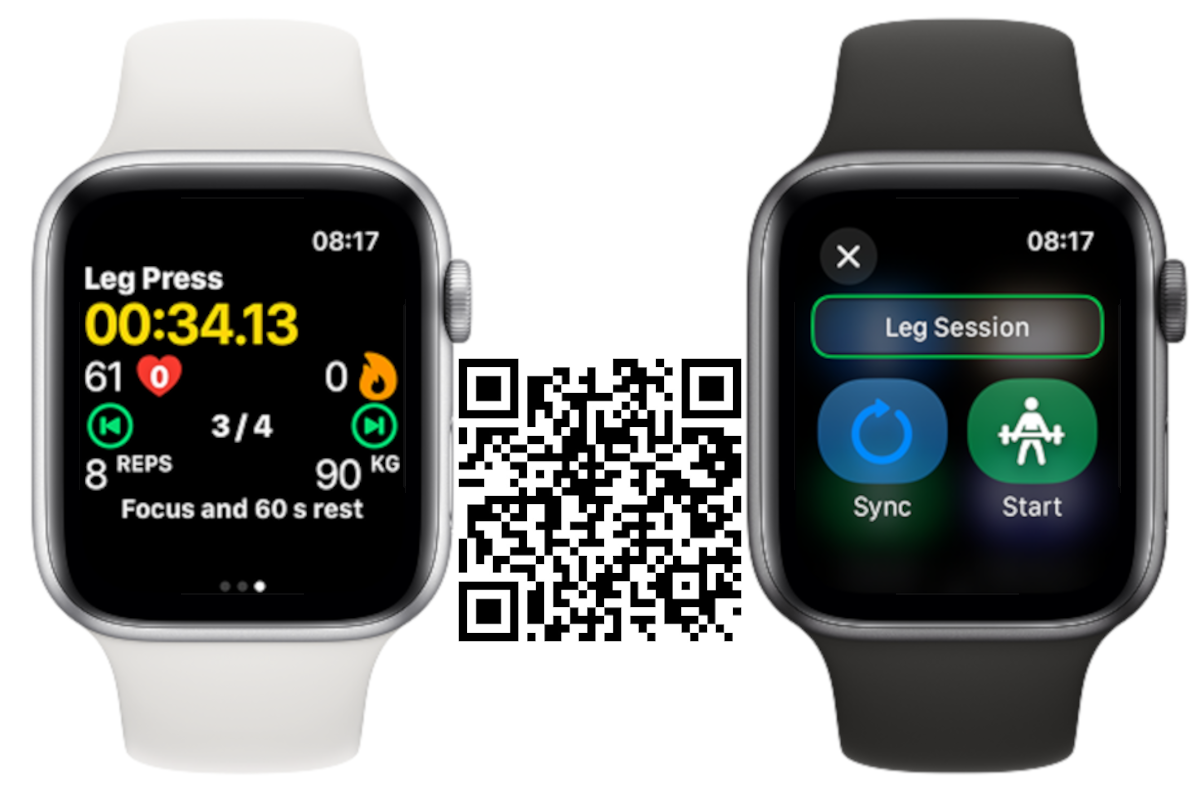
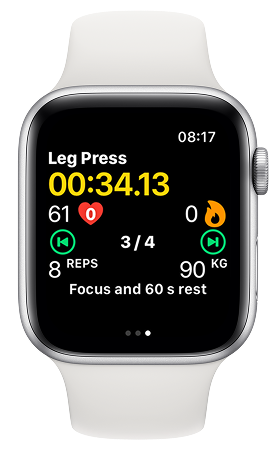
    An Apple Watch running slotho's strength workout: Leg Press, a timer at 00:34.13, heart rate 61, set 3 of 4, 8 reps at 90 kg, and the note "Focus and 60 s rest"

    iPhone:

    CHANGED: Workout notes added to the workout plan view.

    Apple Watch:

    CHANGED: Under the hood optimisations for the workout view.

    NEW: Workout notes added, for more complex workout series.

    CHANGED: Small tweaks to the action buttons to make their sizes more consistent.

    FIXED: Load unit was displaying kg even though lb was selected.

    FIXED: Compatibility issue with WatchOS 10 and below for the workout sync button.

    CHANGED: Workout view organisation to better fit the notes at the bottom.

    Download now

  • badmintho – 2.3.0 Match mode activated

    badmintho – 2.3.0 Match mode activated

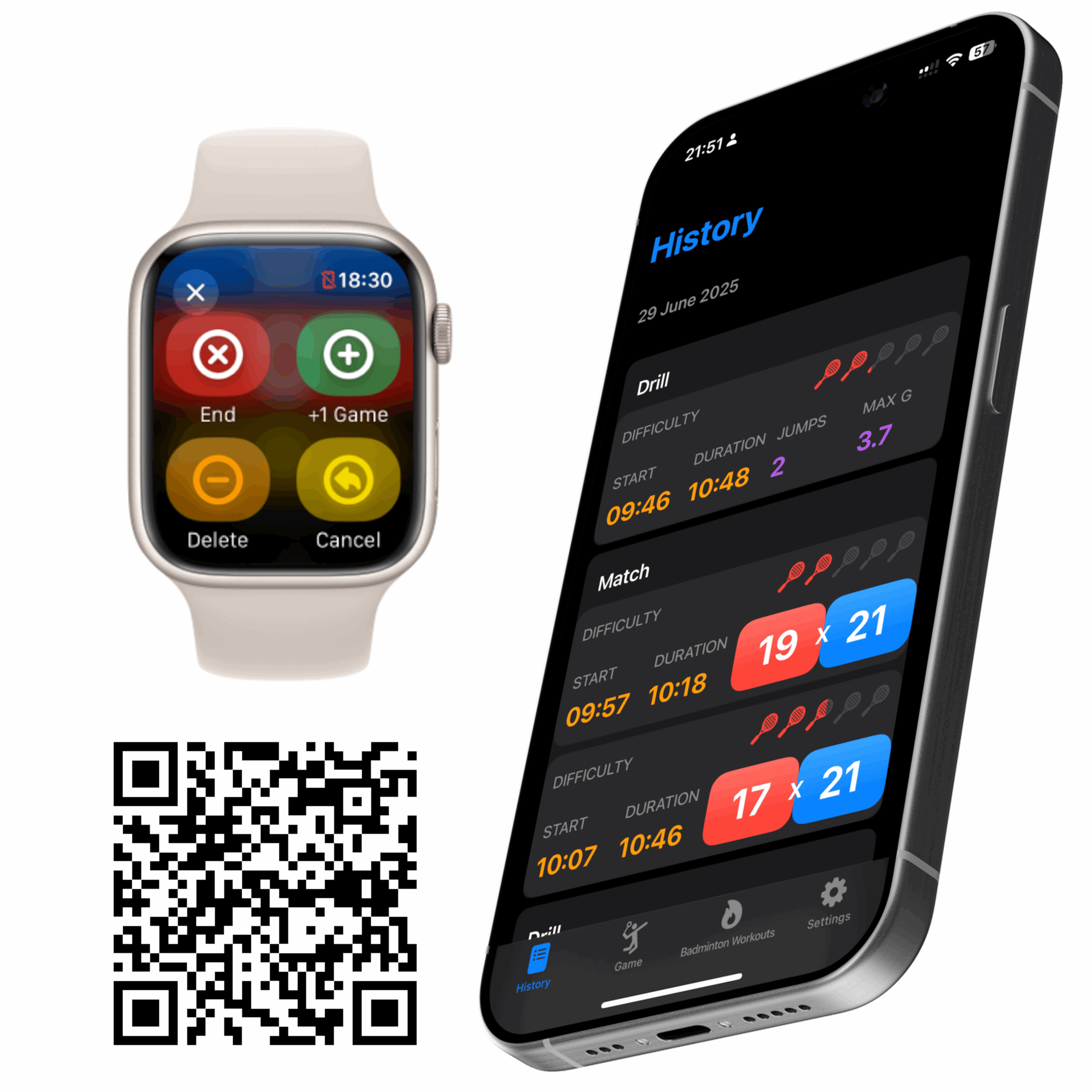
    🏸 Game on, badmintho now can track your games into matches so you can check your performance later on the phone.

    badmintho matches screen

    Apple Watch

    – NEW: Group games into matches.

    – NEW: Delete games.

    – CHANGED: Design and options to end game.

    iPhone and iPad

    – CHANGED: History view to display matches.

    Download now

  • slotho – 2.3.0 workout plan

    slotho – 2.3.0 workout plan

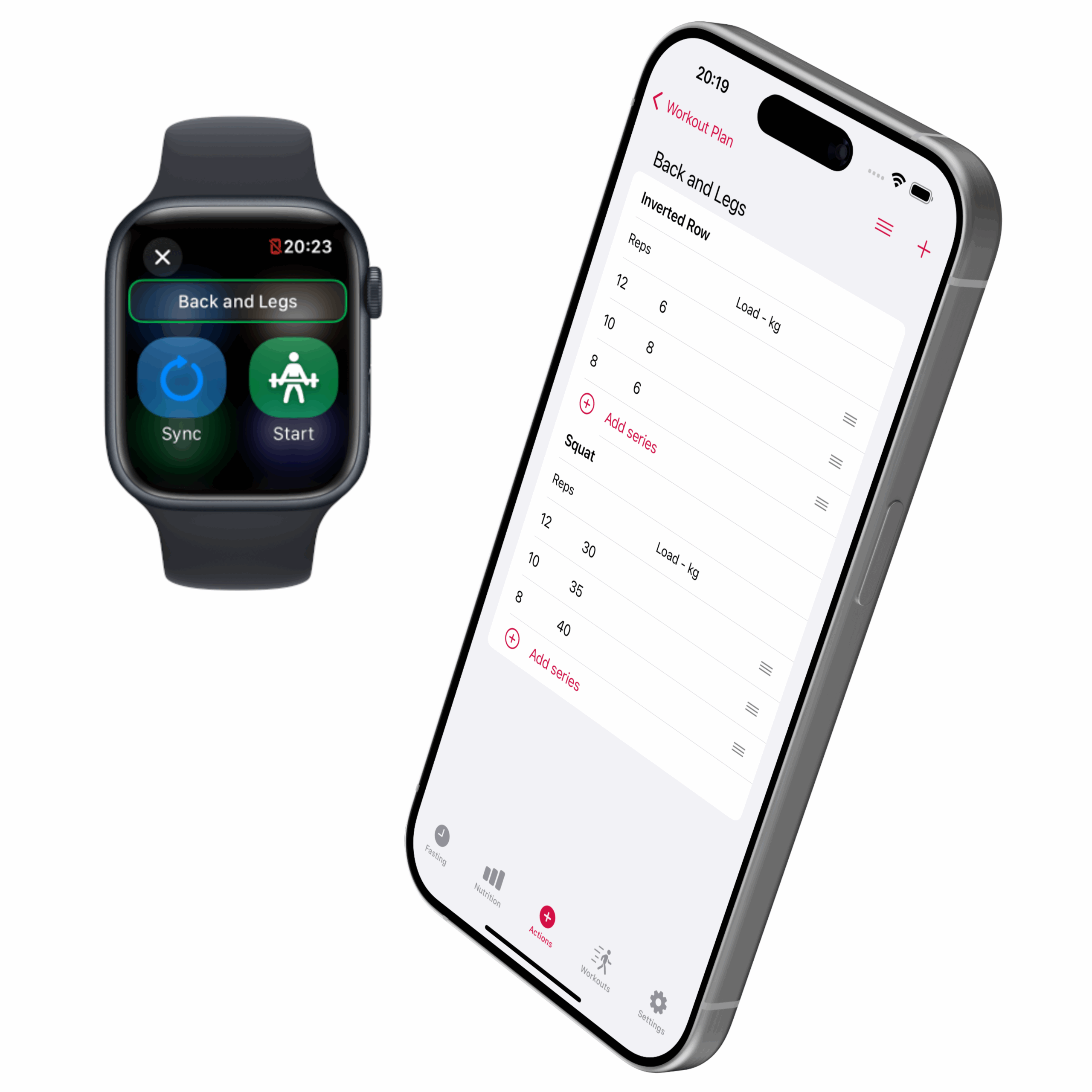
    🏋We have been training and we are now introducing workout plans.
    From phone to watch, an easy way to track your strength training.
    It’s just the beginning for workout tracking in slotho and there’s a lot more coming.

    slotho workout plan screen

    iPhone:

    • NEW: Workout plan, build your weight training plan on the phone and then track it on the Apple Watch.

    Apple Watch:

    • CHANGE: Buttons’ design to smaller sizes and different colours.
    • NEW: Track your weight training session with the exercise list with repetitions and loads.

    Download now

    slotho App Store download QR code
  • badmintho – 2.2.1 auto pause and resume

    badmintho – 2.2.1 auto pause and resume

    🚀 What if your workout app could hit pause for you? 🤯

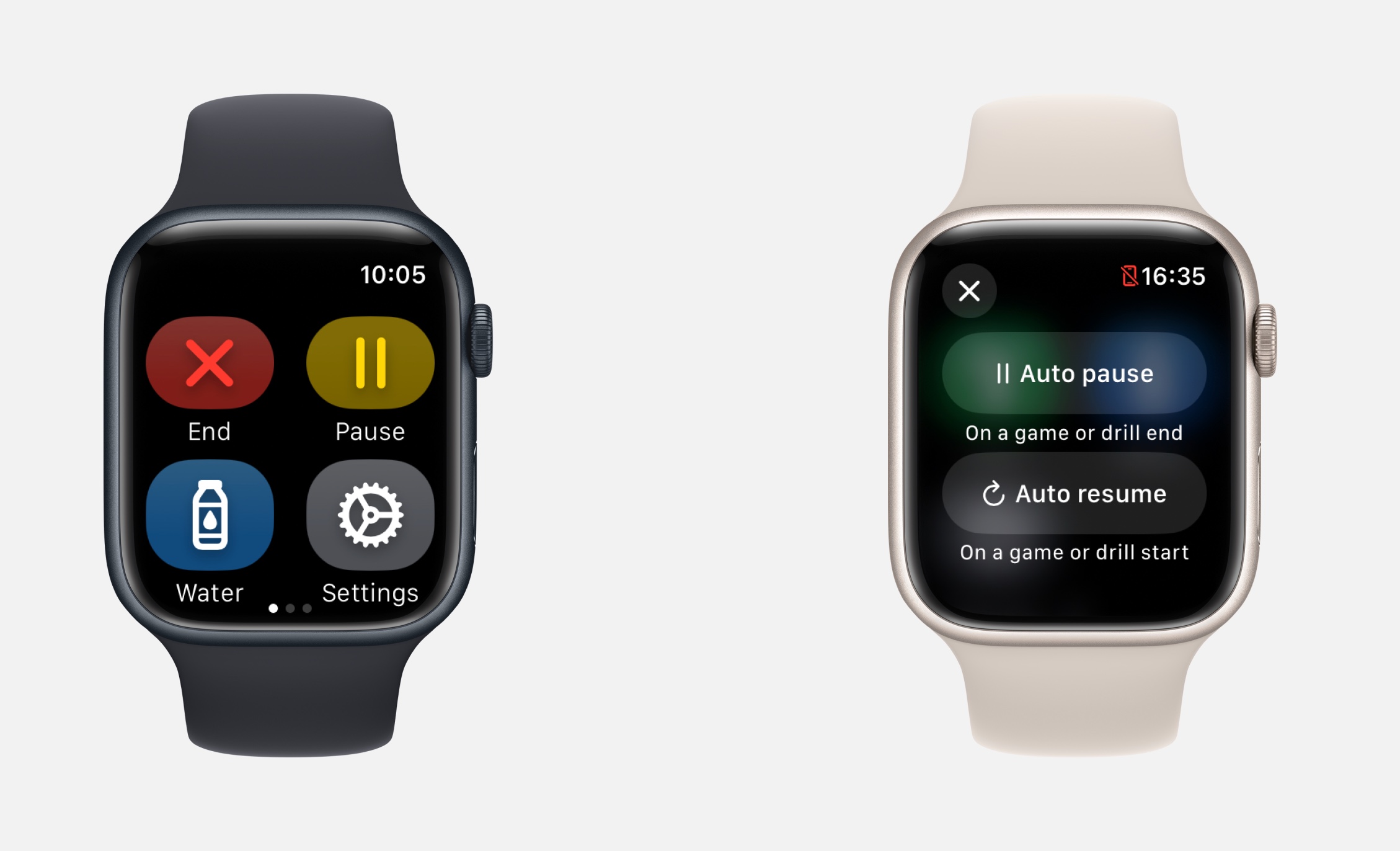
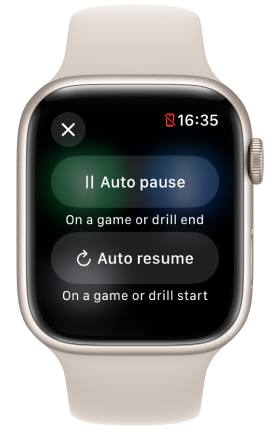
    When you start or end your games or drills the workout will automatically pause and resume.

    This behaviour can be disabled in the new settings page 🙂

    badmintho's Apple Watch settings with two toggles: Auto pause on a game or drill end, and Auto resume on a game or drill start

    Apple Watch

    • FIX: some users were experiencing issues to start a game on Apple Watch 5
    • NEW: Automatic pause and resume workout when games and drills start and end

    iPhone

    • FIX: sometime the app would not find the subscription if not connected to the internet for longer than a week

    Download now

    badmintho qr code app store
  • badmintho – 2.1.0 take a break

    badmintho – 2.1.0 take a break

    We were so excited to launch badmintho that we forgot to take a break.

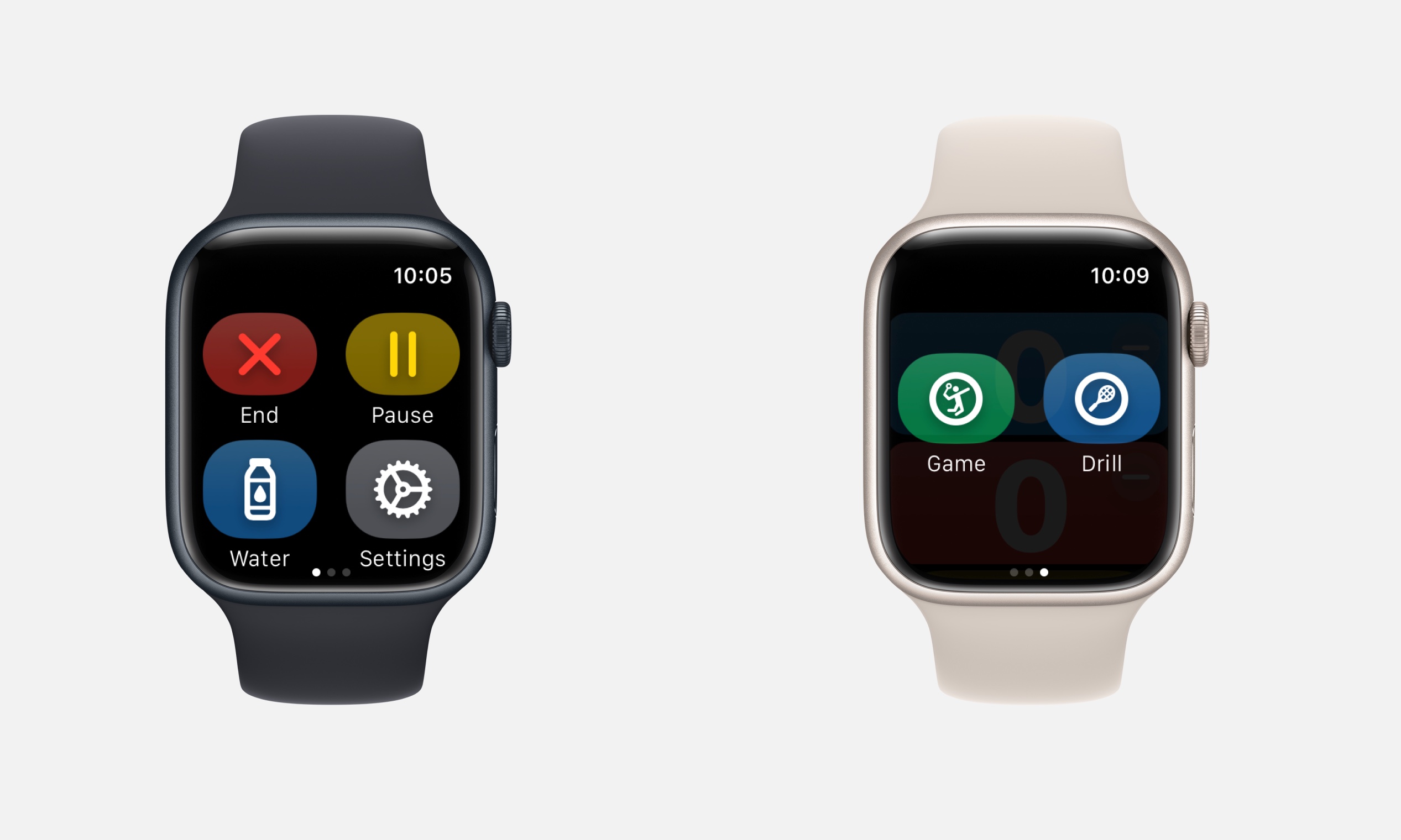
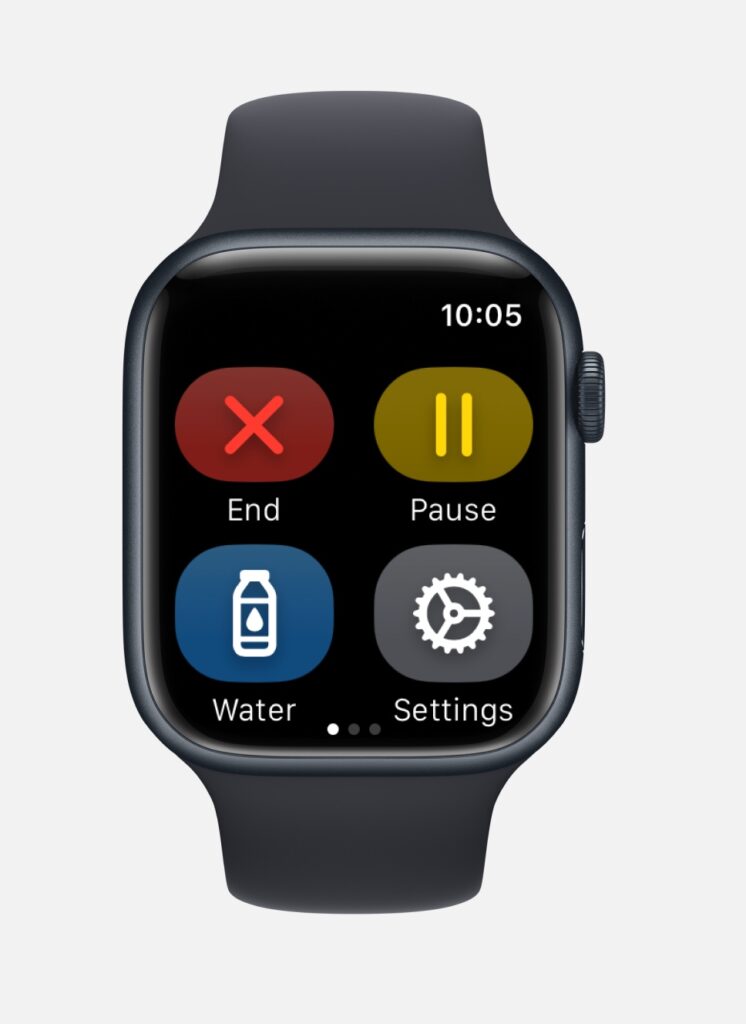
    Introducing the revolutionary pause button 😄

    An Apple Watch showing badmintho's workout controls: End, Pause, Water and Settings buttons

    Apple Watch

    – NEW: Added the pause and resume buttons to the workout

    – CHANGED: Changed the design of the buttons to make better use of space and allow for more functions to be added in the future.

    – FIXED: Under the hood fixes to improve performance.

    – REMOVED: Auto cool down has been removed.

    Download now

    badmintho qr code app store
  • slotho – 2.2.4 favourite images

    slotho – 2.2.4 favourite images

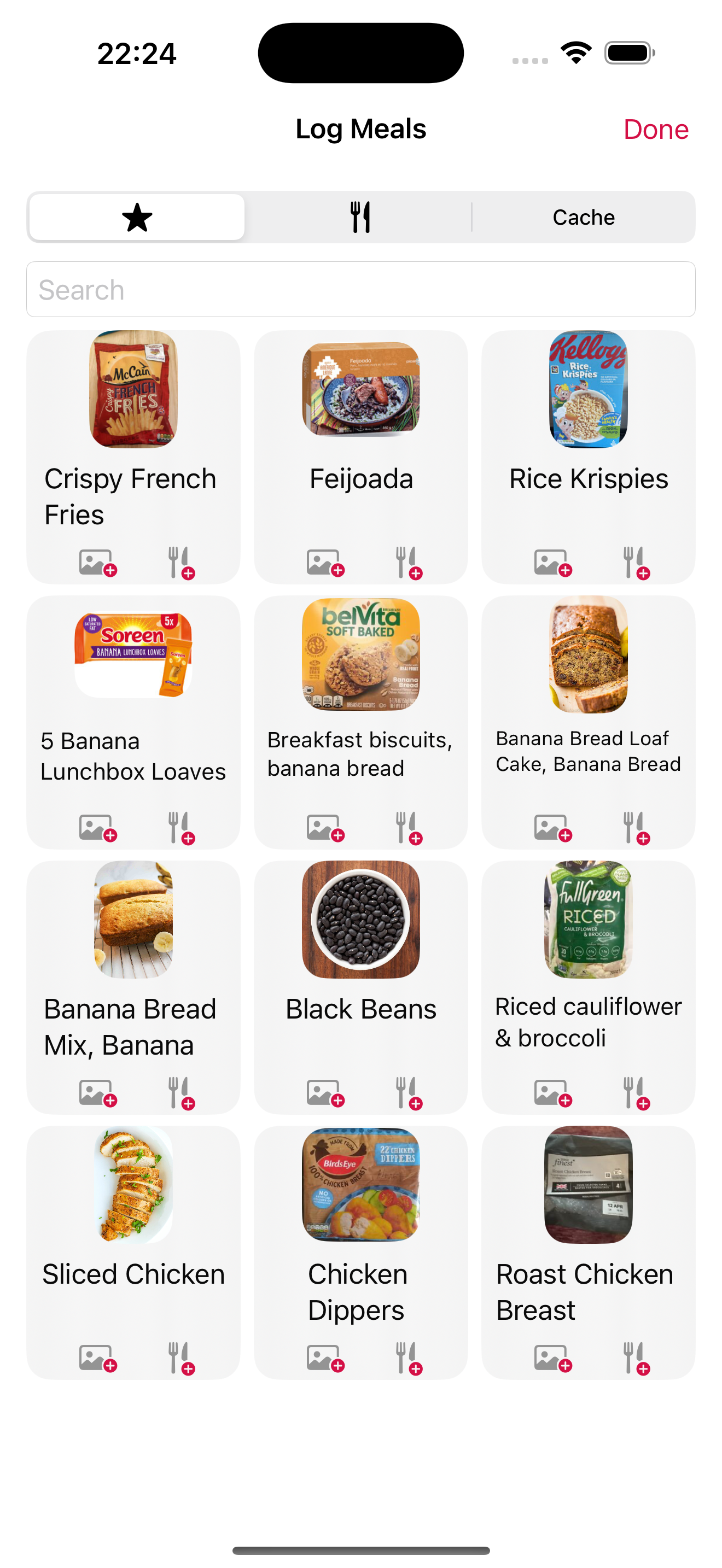
    slotho's Log Meals screen in light mode: a grid of saved foods with photos, including crispy French fries, feijoada, Rice Krispies, banana bread, black beans and roast chicken breast

    iPhone and iPad

    CHANGED: Some improvements in the Settings page to reorganise the items in a more logical order.

    NEW: Added the possibility to use a custom link to a favourite food image when the normal search returns no results.

    CHANGED: Optimised the spacing on the food quantity numbers for easier scrolling.

    CHANGED: Some labels that had redundant information.

    Download here

    slotho App Store download QR code
  • badmintho – 2.0.2 game details fixes

    badmintho – 2.0.2 game details fixes

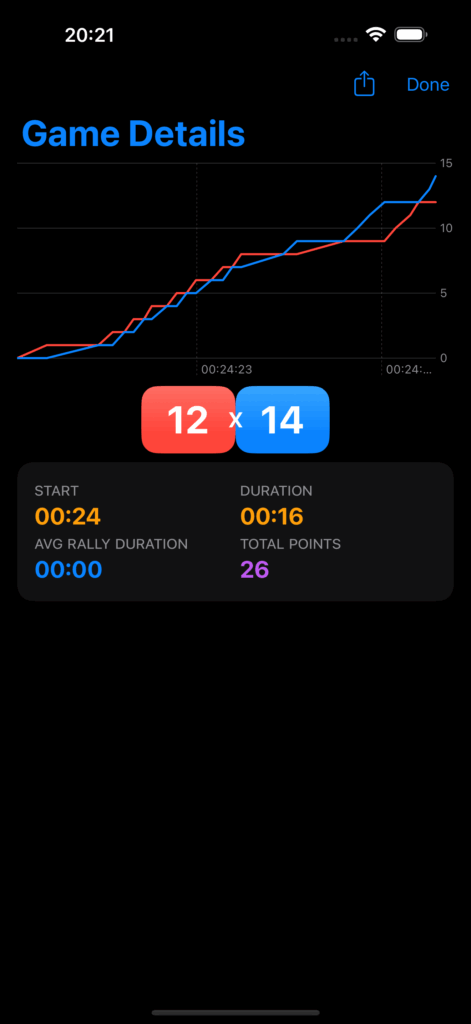
    badmintho's Game Details screen in dark mode: a line chart of both sides' scores over the game, a final score of 12 to 14, and start time, duration, average rally duration and total points

    iPhone and iPad

    – FIXED: an issue that would sometimes display a -1 x -1 score.

    – FIXED: missing background from the shared game details.

    Photo by Elaine Casap on Unsplash

  • slotho – 2.2.3 apple watch weight logging improved

    slotho – 2.2.3 apple watch weight logging improved

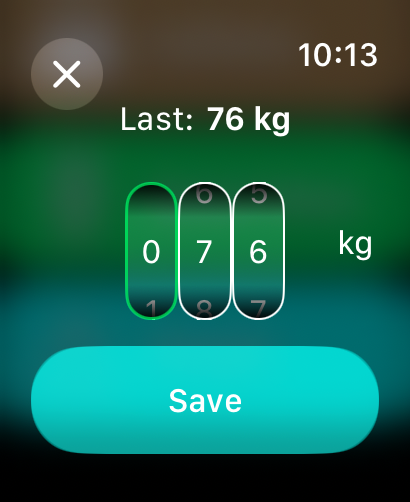
    An Apple Watch screen for logging body weight: the last entry was 76 kg, three digit wheels set to 076 kg, and a Save button

    iPhone and iPad:

    • NEW: filter by type in the history view

    Apple Watch:

    • FIX: the weight logger shows the last logged value when opened
    • CHANGE: the weight logger now uses number scrolling for each digit so the weight can be logged faster

    Photo by Graphic Node on Unsplash