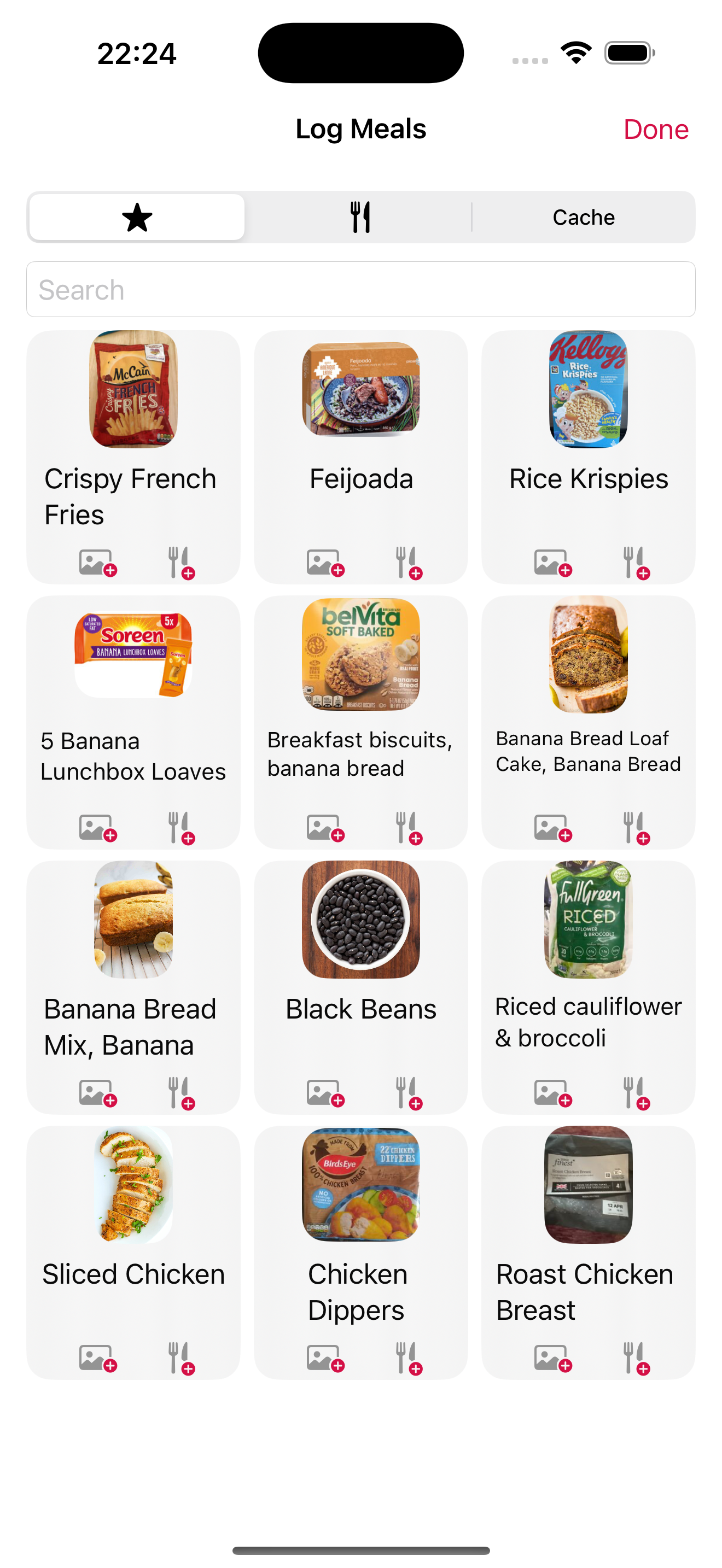
Some foods in slotho carry two small badges: a letter from A to E, and a number from 1 to 4. Plenty of foods carry neither, which is the first thing worth explaining. They look like two versions of the same verdict. They are not. One is about what is in the food; the other is about what was done to it — and a food can score well on one and badly on the other without either being wrong.
They come from Open Food Facts, and slotho searches three other food databases besides it — so whether you see them at all depends on which one your result came from. Here is what each badge measures, why a row often has none, and the one score you can sort by but never see.
Nutri-Score: the letter, A to E
Nutri-Score grades a food’s nutritional composition per 100 g or 100 ml. Points are counted against it for energy, sugars, saturated fat and salt, and counted back in its favour for fibre, protein and fruit, vegetables and legumes. The balance lands on a letter: A is the better end, E the worse.
The algorithm was revised by a European scientific committee and the new version took effect on 1 January 2024, with a transition period that ran to the end of 2025 — so the grades you see now are the updated ones. The revision was stricter about sugar, salt and sweeteners, kinder to protein and fibre, and moved nuts and seeds out of the fruit-and-vegetables component. One consequence is easy to state and slightly startling: among drinks, only water can still score an A.
What the letter does not tell you is whether the food suits you. It is computed per 100 g against a general population, not against your day, your targets or your medical situation. A food that is an E in the abstract can be entirely reasonable in the quantity you actually ate.
NOVA: the number, 1 to 4
NOVA ignores nutrition entirely. It classifies a food by how much industrial processing it has been through, in four groups:
- 1 — unprocessed or minimally processed. An apple. Plain rice. Milk.
- 2 — processed culinary ingredients. Oil, butter, sugar, salt: things you cook with rather than eat alone.
- 3 — processed foods. Group 1 plus group 2, and not much else. Tinned beans, bread, cheese.
- 4 — ultra-processed. Formulations built largely from substances not used in home cooking: protein isolates, modified starches, emulsifiers, colourings, sweeteners.
A NOVA 4 is not automatically nutritionally bad, and a NOVA 1 is not automatically good — butter is group 2 and no one would call it a health food on that basis.
Why they disagree, and why that is the useful part
This is the whole reason slotho shows both rather than picking one.
A diet drink can be reformulated into a good Nutri-Score while remaining unambiguously ultra-processed. A wholemeal loaf with a long ingredient list can be NOVA 4 and still be a sensible thing to eat. The two systems are measuring two distinct dimensions of the same food, which is exactly what a 2024 study of the revised algorithm concluded — the update made them more coherent with one another without making either redundant.
If the two badges ever make you look at an ingredient list you would otherwise have skipped, they have done their job. Collapsing them into a single number would remove precisely the information that makes them worth showing.
The third badge: additives
Alongside the letter and the number, a food may carry a small count of additives. Tap through to the product detail and slotho lists them individually as E-numbers — the raw data arrives as tags like en:e330 and is displayed as E330.
It is a count, not a verdict. E330 is citric acid. The chip tells you how many there are and lets you go and look; it does not tell you that any of them is a problem, because that is not a judgement a food log is in a position to make.
Eco-Score: you can sort by it, you will not see it
Worth being straight about, because Eco-Score comes up alongside the other two often enough that its absence looks like an oversight.
Eco-Score rates environmental impact rather than nutrition or processing. In slotho it exists only as a way to sort search results. It is not stored on a food, it is not shown as a badge, and it is not saved against anything you log — unlike Nutri-Score, NOVA and the additive count, which are all written onto the entry so your history keeps them.
That is a deliberate gap rather than a hidden feature: showing a badge implies we stand behind the number, and this one is not carried consistently enough across the database to stand behind yet.
Where the numbers come from — and why a food often has none
slotho does not compute any of these itself. They come with the food record, from Open Food Facts — a public, crowdsourced database. Which explains the thing people notice first: plenty of foods have no badges at all.
slotho searches four sources — Open Food Facts, the USDA’s FoodData Central, FatSecret, and foods you created yourself — and only Open Food Facts carries these three scores. A barcode scanned off a European packet usually has all of them. A generic ingredient that came back from one of the other three has none, because the scores were never part of that record to begin with.
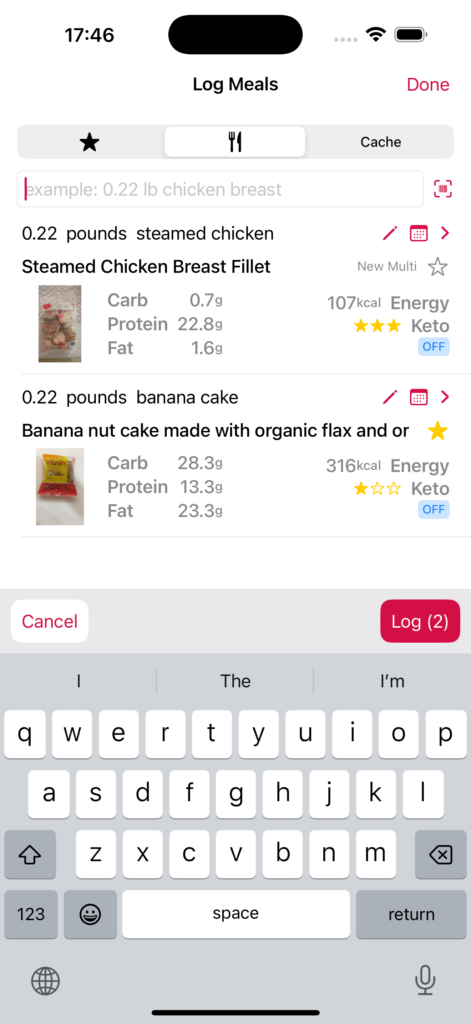
There is a way to tell at a glance. Every row carries a small coloured source chip: OFF, FDC, FatSecret or Local. If it does not say OFF, that row will never show a Nutri-Score or a NOVA number, however well known the food is. When slotho has two records for the same food from different sources, it fills the gaps from whichever one has the data — a record with no grade can inherit one from its twin rather than showing a blank.
And a missing badge means unknown, never bad. slotho hides the placeholder rather than showing an empty grade, for the same reason the daily balance score treats an unlogged meal as a gap instead of a zero — a blank is information about the database, not about your food.
What slotho deliberately does not do with them
None of these scores feeds your daily balance. None of them produces a warning, a nudge or a streak you can break. There is no screen that adds up your week’s NOVA 4s and has an opinion about it.
They are labels on a food, shown at the moment you are choosing it, and then recorded so your history is honest about what you logged. What you do with them is the part we have no business automating.
More
- slotho — food, water, caffeine, sleep, workouts and fasting, in Apple Health
- How slotho’s keto rating works — the other badge on a food row, and the one slotho does compute itself
- How the daily balance score works — including why a blank is a gap rather than a zero
- slotho FAQ — including what the food search actually sends, and where
- slotho privacy policy — food lookups leave your device; nothing about you goes with them
Nutri-Score, NOVA and Eco-Score are third-party systems, not ours, and none of this is medical or dietary advice. slotho is free on the App Store for iPhone, iPad and Apple Watch, with two weeks of Pro included.